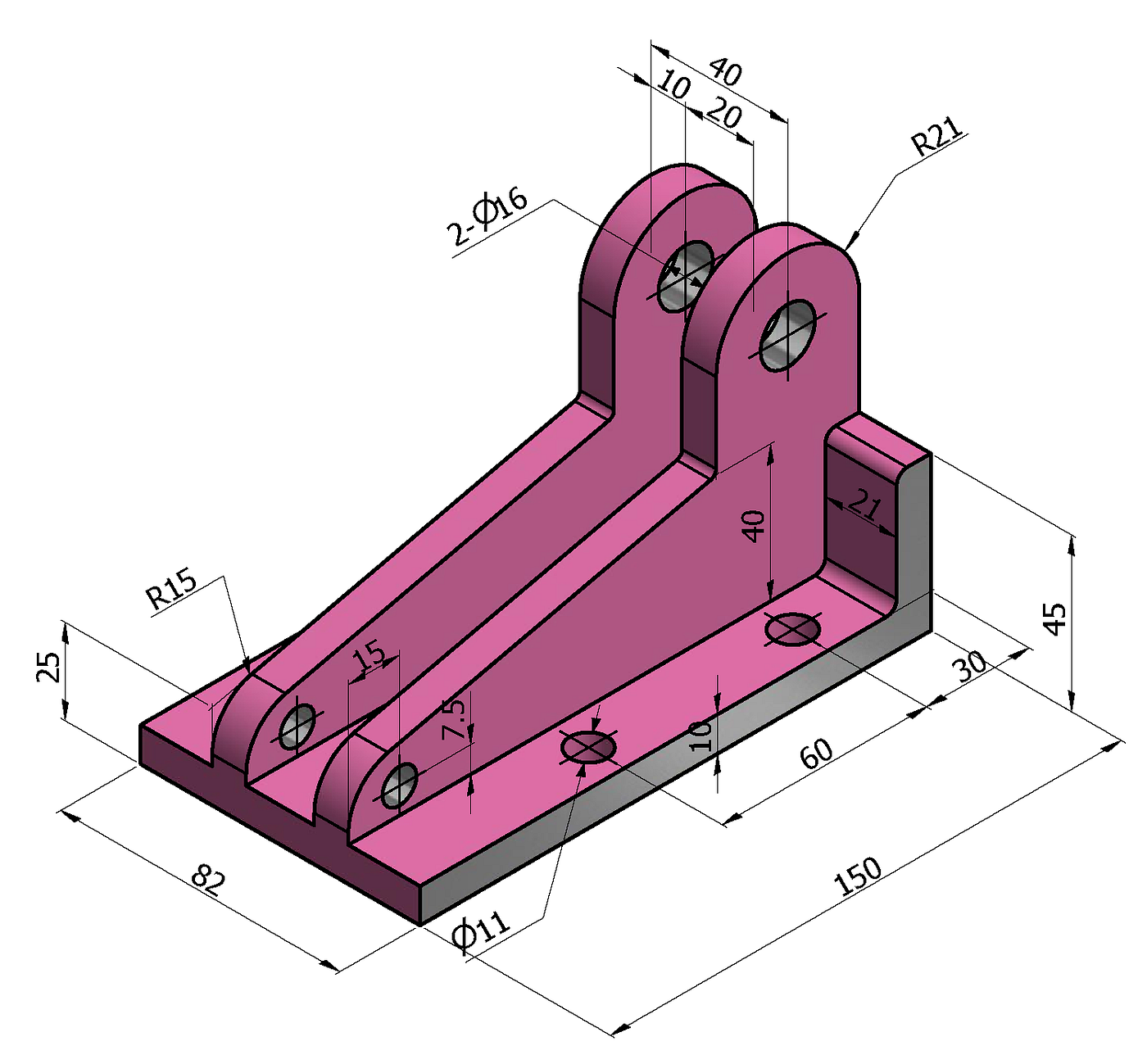
In today’s engineering and product development world, 3D CAD (Computer-Aided Design) tools play a crucial role in transforming ideas into real products. One of the most powerful and widely used software tools in this field is SOLIDWORKS.
Developed by Dassault Systèmes, SOLIDWORKS allows engineers and designers to create highly accurate 3D models, test product performance, and develop complex mechanical systems efficiently. Whether you are a student, engineer, or product designer, learning SOLIDWORKS can open doors to many opportunities in engineering and manufacturing.
What Is SOLIDWORKS?
SOLIDWORKS is a professional 3D CAD design software used to create detailed models of mechanical parts, assemblies, and products. It allows designers to visualize their designs in three dimensions before manufacturing them.
Unlike traditional 2D drafting tools, SOLIDWORKS provides advanced features such as parametric modelling, simulation, motion analysis, and design validation. These capabilities help engineers design products faster while ensuring high accuracy and efficiency.
The software is widely used in industries such as automotive, aerospace, robotics, industrial machinery, and consumer product design.
Key Features of SOLIDWORKS
1. 3D Part Modeling
SOLIDWORKS allows users to create detailed 3D models of individual parts. Engineers can design components such as gears, brackets, shafts, and mechanical structures with high precision.
The software uses parametric design, meaning users can modify dimensions and automatically update the entire model.
2. Assembly Design
One of the most powerful capabilities of SOLIDWORKS is assembly modelling. Designers can combine multiple parts into a single assembly to see how components fit and interact with each other.
This feature helps engineers detect design issues before the manufacturing stage.
3. Simulation and Testing
SOLIDWORKS includes built-in simulation tools that allow engineers to test product performance under different conditions. These simulations help analyze:
- Stress and strain
- Thermal effects
- Motion and mechanical behavior
This reduces the need for expensive physical prototypes.
4. Technical Drawings and Documentation
The software can automatically generate 2D engineering drawings from 3D models. These drawings include dimensions, annotations, and specifications needed for manufacturing and production.
This feature makes communication between designers and manufacturers much easier.
Benefits of Using SOLIDWORKS
Faster Product Development
SOLIDWORKS allows engineers to design and test products digitally, reducing development time.
Improved Design Accuracy
The parametric modelling system ensures precise measurements and easy design modifications.
Better Visualization
3D modelling helps designers visualize how a product will look and function before production.
Cost Reduction
By detecting design problems early through simulation, companies can reduce production costs and material waste.
Applications of SOLIDWORKS
SOLIDWORKS is widely used across many industries for product design and mechanical engineering.
Common applications include:
- Mechanical component design
- Product prototyping
- Industrial machinery design
- Automotive parts development
- Robotics and automation systems
Because of its powerful design tools, SOLIDWORKS has become a standard software in many engineering companies and design firms.
Why Beginners Should Learn SOLIDWORKS
Learning SOLIDWORKS can significantly improve career opportunities in engineering and design. Many companies prefer candidates who have experience with professional CAD tools.
For students and beginners, mastering SOLIDWORKS helps develop technical drawing skills, 3D modelling knowledge, and engineering design thinking.
As industries increasingly rely on digital product development, CAD expertise continues to be a highly valuable skill.